|
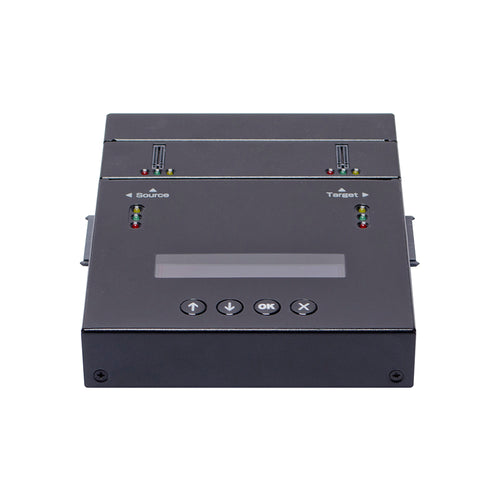
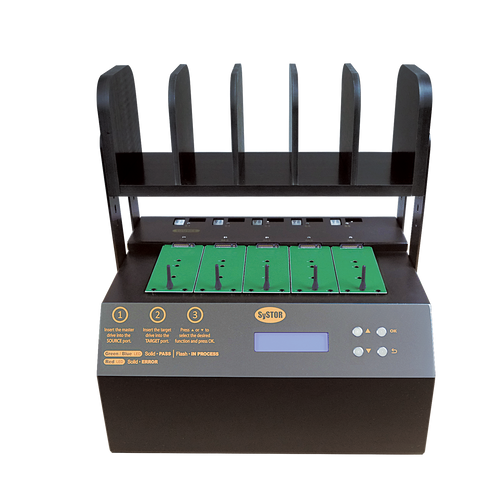
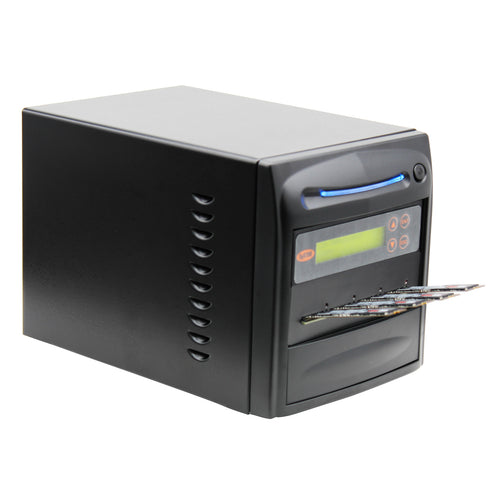
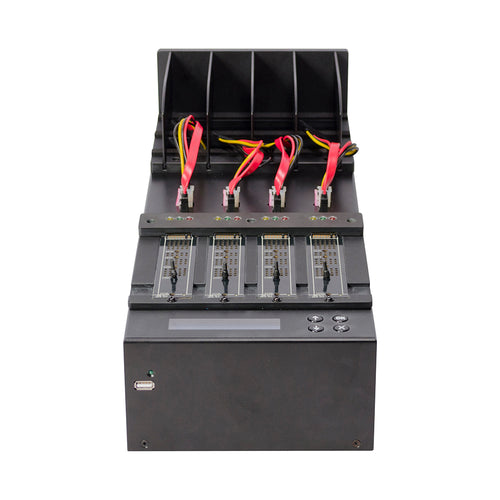
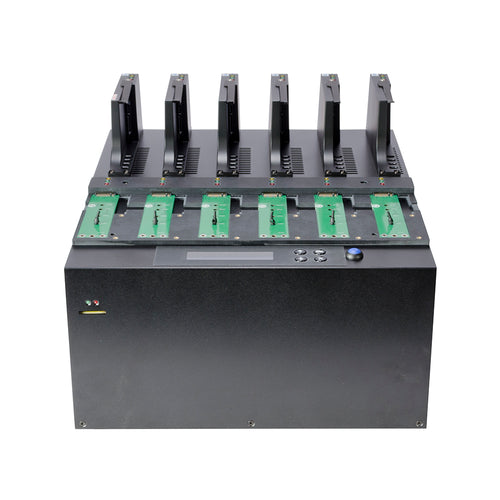
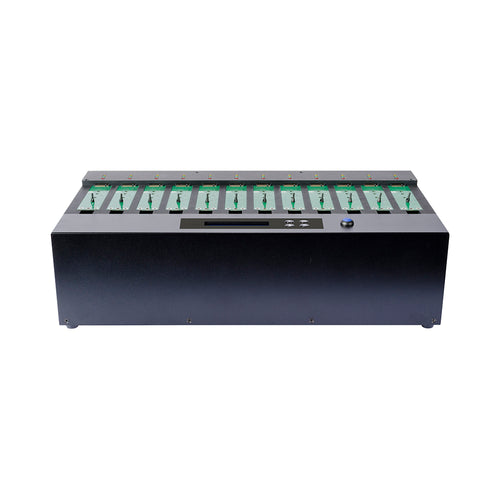
The Hard Drive Duplicator was created as an evolution of the DVD copier. Nowadays not only CD's or DVD's need replication, hard drives too. HDD copiers are a golden help for the system administrators that needs to duplicate dozens of hundreds of hard drive with the same information , especially because it clones the drives including all sectors.
Internal Hard Drives
All computers have a hard drive used to store programs and data. The
hard drive gets easily attacked by internet viruses and Trojan horses;
even cause drive failures. There is a possibility that user could accidentally
delete files and can cause loss of data. An external hard drive comes
in as a easy and practical solution.
External Hard Drives
External hard drives store your important data and add a substantial
level of safety and security. This is because external hard drives are
located outside the computer and allow you to keep a backup copy of all
your valuable files - your tax records, email archives, photos, and more.
For sensitive data, an external drive can be unplugged after it's used
and stored in a secure location. When it's plugged back in, all your data
is on hand again.
An external hard drive can be accessed to your computer with a USB connector.
Most computers have several USB ports where you can plug the external
drive in. Also, a FireWire 400 or FireWire 800 port can be used if the
computer is capable of. The speed of FireWire 800 port is about twice
as fast as either the USB or FireWire 400 ports. Among all the others,
the eSATA port performs fastest
There are various types of external hard drives. For example, there are
Desktop hard drives that are a little bigger and are designed to stay
connected to your computer. Portable hard drives are smaller and light-weight
so you can carry them with you in a backpack or briefcase and use them
on different computers. Network hard drives can be used to backup several
computers within your home or office.
External hard drives are well-matched with the major operating systems:
Windows, Mac OS and Unix. Any of these operating systems can dwell on
an external hard drive no matter what operating system is on the internal
drive. External drives are easy to use and make data protection an attractive
solution for everyone.
Another advantage of the hard drive over its forerunners is durability.
Tape can become damaged with use, and a single fold could make a punch
card useless. Hard drives are much more dependable, mainly because the
head never touches the recording surface. The head is able to read and
write while being held just over the disk, dropping the risk of scratching.
Sealing the hard drive reduces the risk of wear by keeping dust away from
the sensitive platters.
Desktop Hard Drives
Now that we've covered some basics, let's focus on what to look for in
a desktop hard drive. A smart user will typically look for a balance between
budget and features. Below is a list of these features.
Storage capacity
Capacity is marked in gigabytes (GB) or terabytes. One gigabyte is 1
billion bytes; a terabyte is 1000 gigabytes or 1 trillion bytes. The capacity
of external hard drive is increasing quickly. Desktop and network drives,
due to their larger physical size, they have more capacity. Desktop drives
range from 160GB to a terabyte of storage! Because of their light-weight
design, portable drives are commonly available between 80GB and 500GB.
When shopping for a drive, take into account both the general price and
the price per gigabyte.
Rotation speed
Rotational speed is the most important feature to determine the performance
of an external drive. With higher rotational speed, the computer can read
and write more data. Most home computer internal hard drives have a rotational
speed of 7200 rpm.
Interface types
Be sure to choose an external drive that is compatible with the ports
on the computers you have. Most up to date computers have several USB
ports. FireWire ports are also available.
For Free Expert Advice, call us toll free at 1-866-817-4049, 7:30am-5:30pm
PST.
|